Hermetic in September: catalogs, a desktop app, and a server for your agent
Hermetic is an open-source, local-first AI data analyst that follows one principle: the model writes the analysis code, but it never sees your data. I build it in public.
My last post was in July. Two months of work has landed since then. Here is what shipped.
Point Hermetic at a data catalog
Many public datasets ship as a catalog: one small file that lists many data files. Hermetic now reads four catalog formats — Data Package, Croissant, a plain file list, and STAC.
You paste one URL. Hermetic turns the whole catalog into one source with many tables. When you ask a question, a small model call picks the tables that matter for it. Hermetic reads each table’s schema only when it is needed. Joins across tables work.
Two real examples:
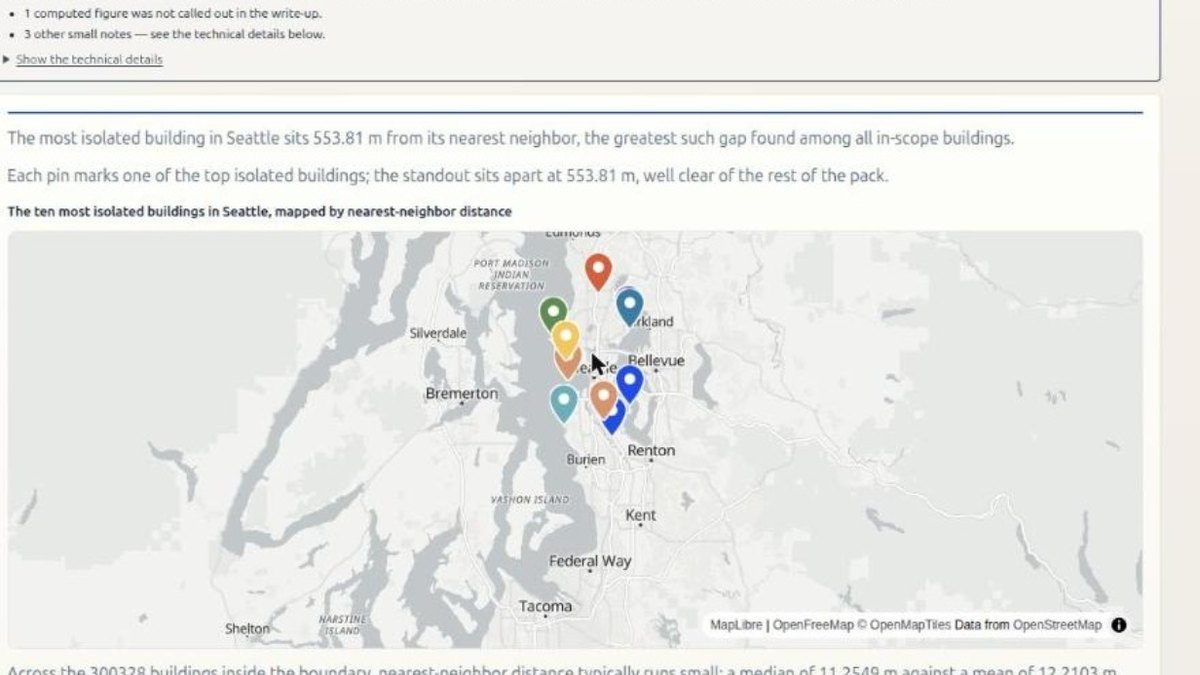
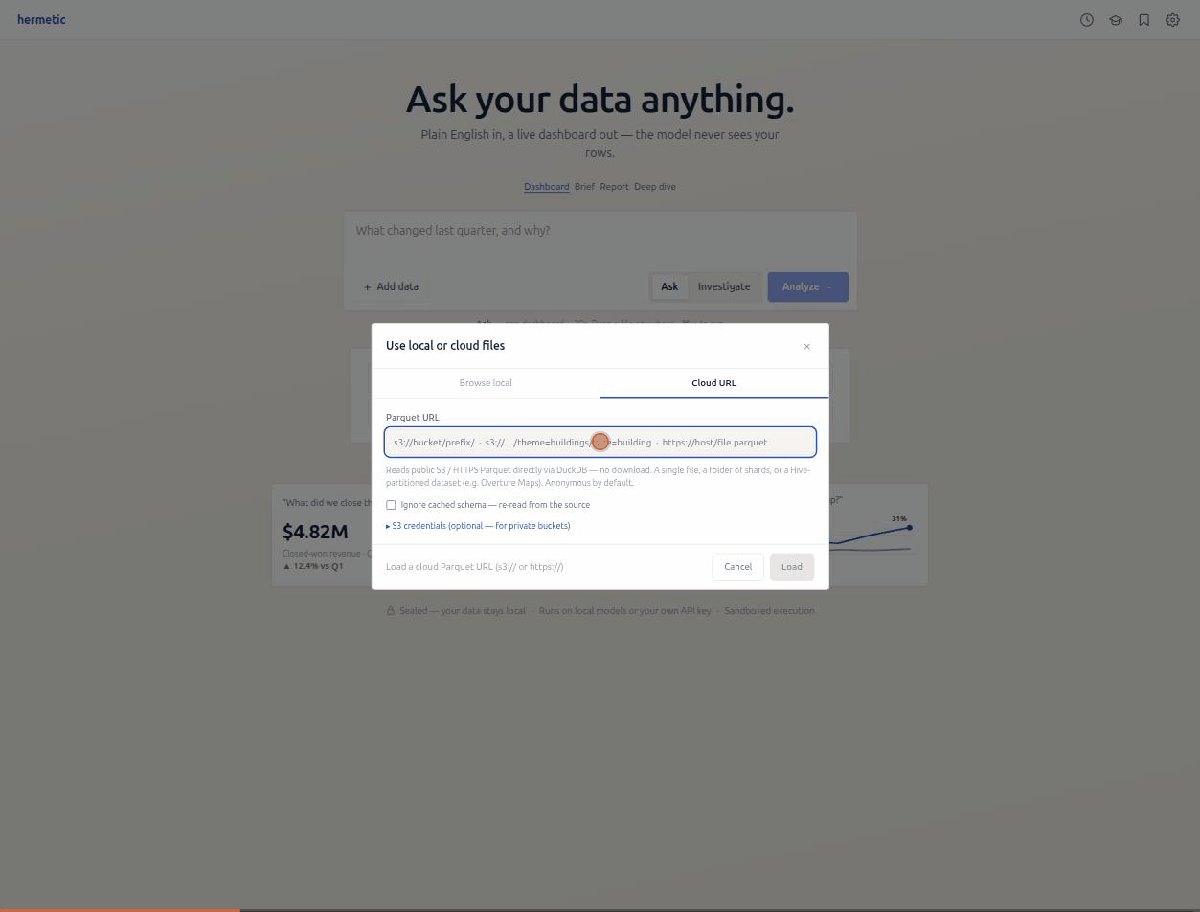
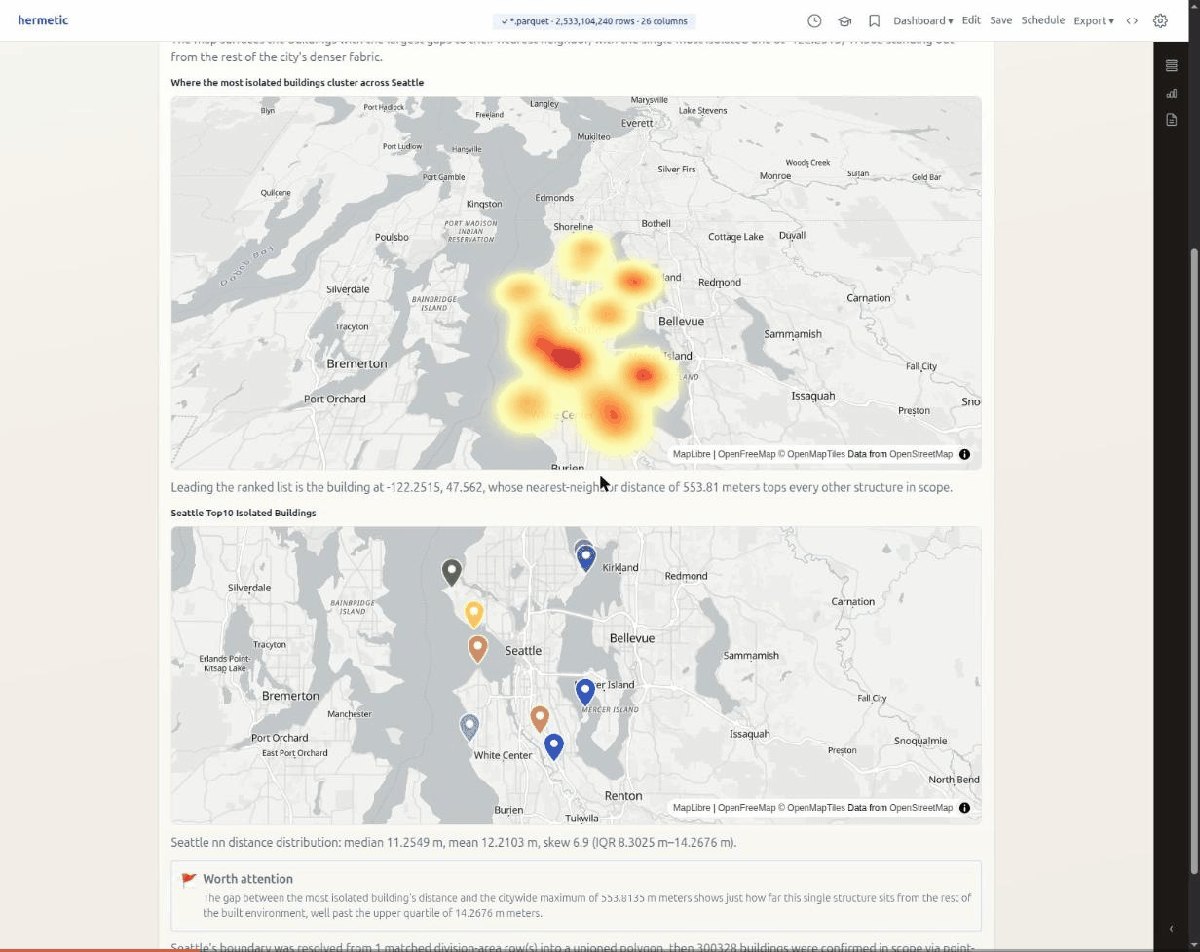
- Overture Maps STAC: Overture publishes a planetary map dataset - buildings, roads, place boundaries for the whole Earth - as a STAC catalog. It is hundreds of gigabytes. Hermetic connects to it with one URL and reads only the byte ranges a question needs. Nothing is downloaded whole.
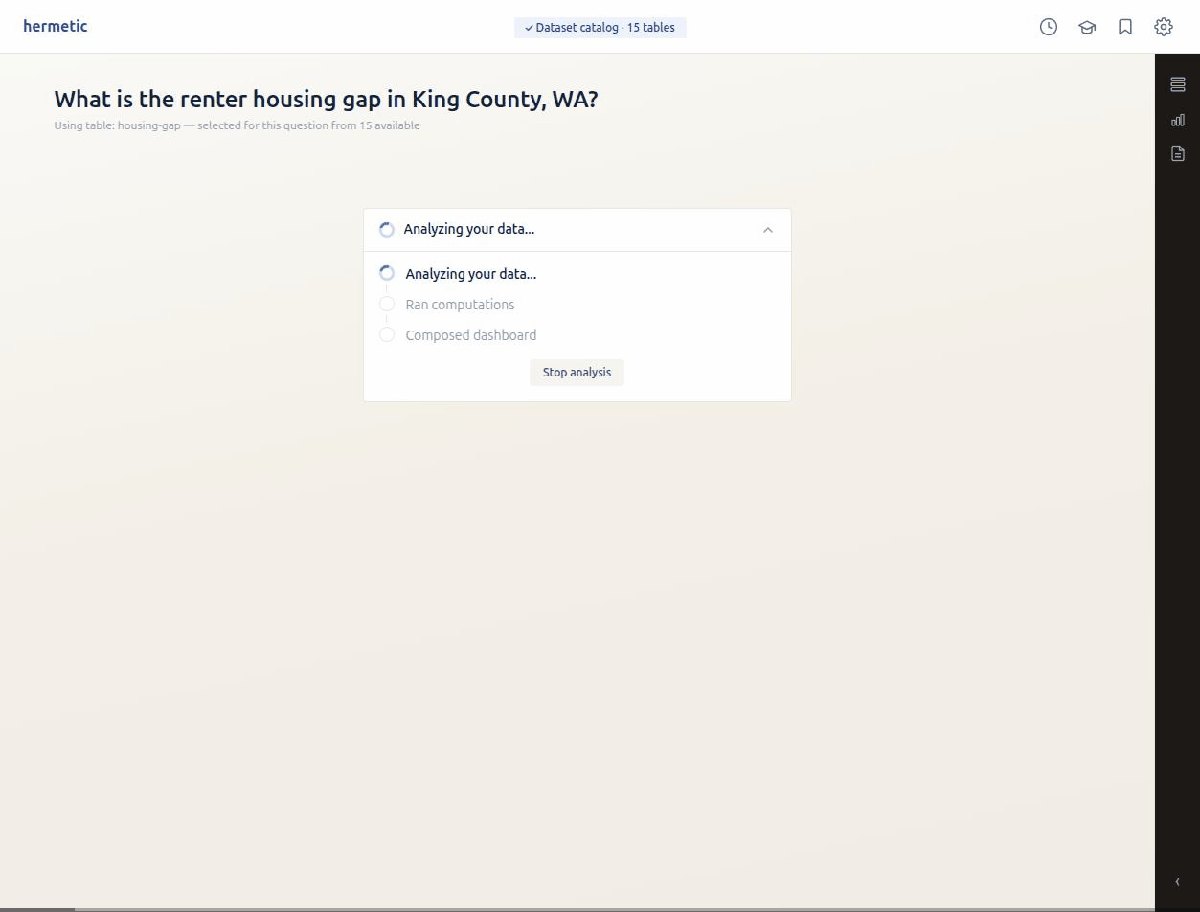
- The AHI hub: AHI publishes its housing datasets behind one manifest file on Azure blob storage. Before this month, you had to find each Parquet file’s URL and connect them one at a time. Now one URL connects the hub, with every dataset showing up as a table, and the data dictionary comes along with it. (Grateful to Peter Moon for creating and sharing AHI data as Parquet files)
Desktop installers, signed
Hermetic is now a desktop app you download and install. It runs on Linux, macOS (Intel and Apple Silicon), and Windows, and it updates itself.
The update path is locked down. Every update is checked against a signing key that is built into the app. A tampered or unsigned update fails before a single byte is installed. The macOS builds are also signed with a Developer ID and notarized by Apple. Apple checks every binary inside the app bundle, and Hermetic carries a Node runtime, a Rust binary, and native — it took three release candidates to pass. That work is done, and Gatekeeper now opens the app without complaint.
Windows is the exception: those installers are still unsigned, and I want to say why out loud. Microsoft’s path for a small developer is Azure Trusted Signing, and that path runs through the Azure portal. The portal is a maze. Subscriptions, resource groups, identity verification, role assignments — each one a separate screen with its own vocabulary, none of it pointed at the simple goal of “sign my app”. I notarized a macOS app and it was easy. The Azure console is where my patience ran out. So Windows users see a scary SmartScreen warning - not because the app is dangerous, but because the signing process costs more effort than the feature it protects. If signing is supposed to keep users safe, it should be the easiest step in shipping, and today it felt like the hardest one. That is backwards.
The desktop app runs analysis with no Docker
This is the biggest change inside the app. The desktop build carries a WebAssembly runtime: Python and DuckDB compiled to run inside a browser-style sandbox. Install one app and ask questions. There is nothing else to set up.
The security rule does not change. Analysis code runs inside a locked worker. Its only network path is a local endpoint that serves approved byte ranges from the one source you connected. The worker can ask for offsets; it can never pick a new destination. That is how a laptop handles a planetary dataset: in one probe, DuckDB answered a question over a 525 MB remote file after reading 0.17% of it. That said, the browser sandbox is memory limited with no disk spill over so planet scale analysis are still best with Docker.
Hermetic works with the desktop agent of your choice
Hermetic is now an MCP server. One file — hermetic.mcpb — and any agent that speaks the Model Context Protocol can use Hermetic as its analysis room. Your agent asks the questions. Your data stays home. The dashboard is persisted and outlives the chat.
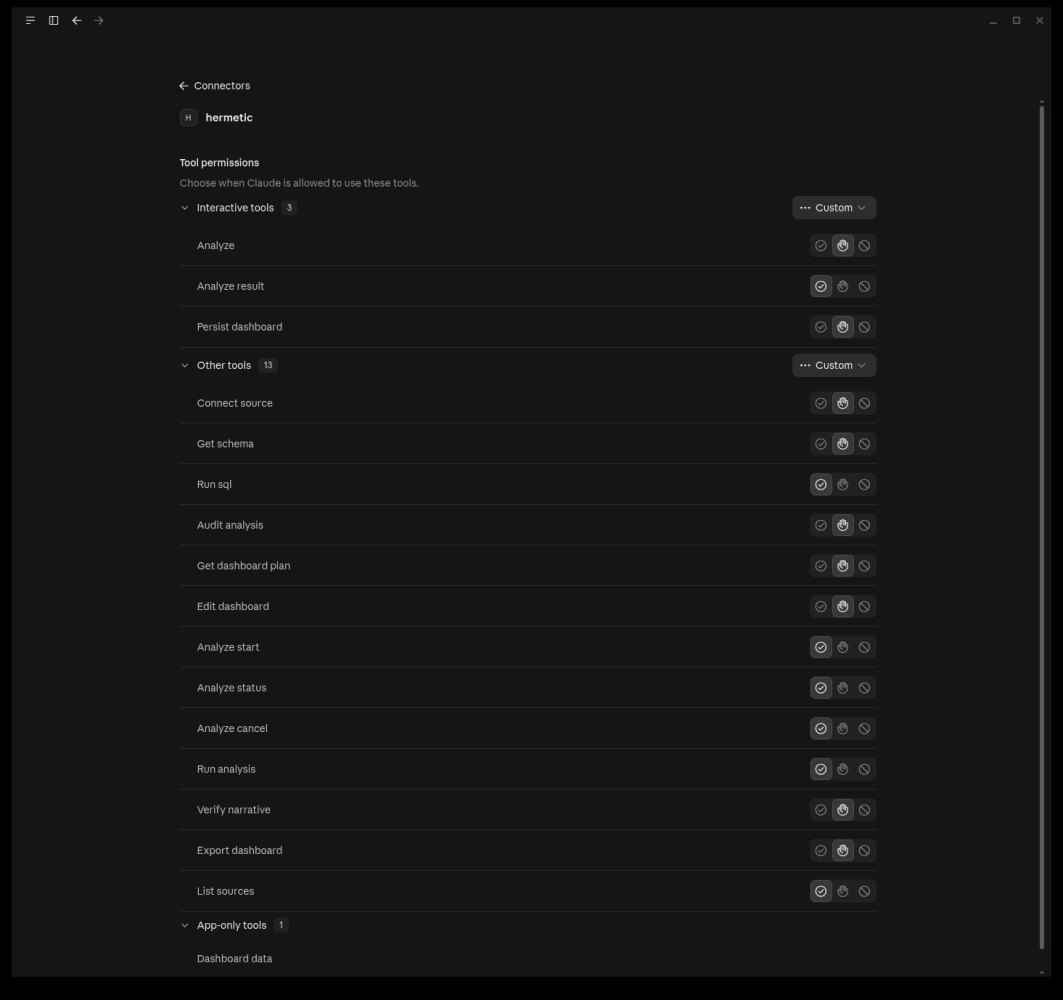
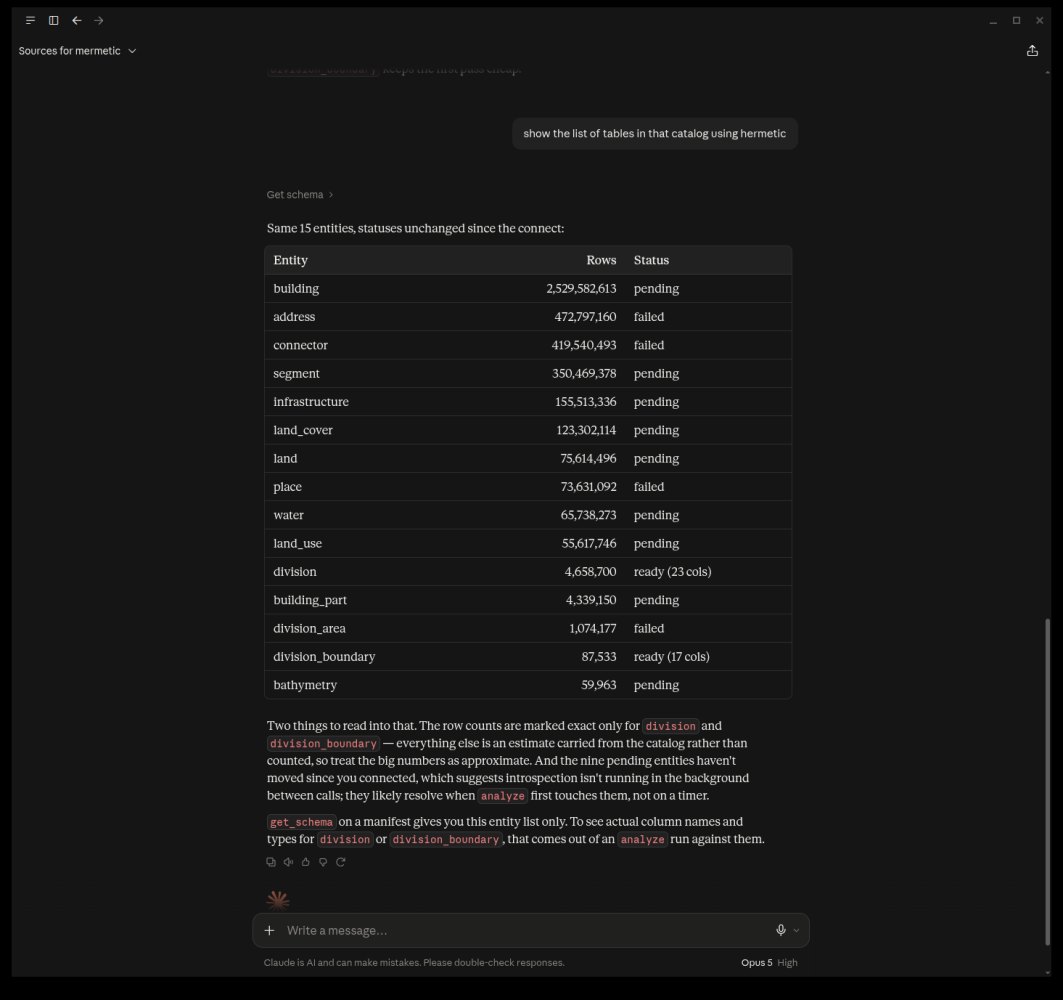
One honest limit: the MCP server runs analysis in the Docker sandbox. The browser-based runtime from the last section belongs to the desktop app, because that sandbox is literally a browser’s.
This also matters for reach. Claude Desktop users could never run Hermetic before, because built-in analysis means uploading your data. With MCP, the desktop agent becomes a Hermetic front end, your subscription login is the only credential, and no API key is involved.
Why give an agent an analyst
The obvious objection goes first. Claude already reads CSVs, writes pandas, and draws charts. Hundreds of run-a-SQL-query connectors already exist. If this were just “let Claude analyze your CSV,” it would be pointless.
Three things survive that objection.
Privacy. When an agent works through your data freestyle, rows end up in the model’s context — a head() here, a printed table there. With a cloud agent, that means your records reach a model provider as a side effect of a question. Hermetic’s tools return schema, statistics, and computed data instead, and all code that touches your raw data runs in the same governed sandbox as always.
Durability. A chat scrolls away, and its charts are frozen pictures. Hermetic saves the analysis itself - spec, code, schema, artifacts. It is still there tomorrow, still interactive, and still refreshable.
Scale. A billion-row warehouse question is one tool call. The database does the work. No data is dragged into a context window.
What the agent gets
The flagship is analyze: the full pipeline — code generation, review, sandboxed execution, dashboard composition — as a single call that returns a summary, the numbers, the cost, and a link. When a run may take a while, analyze_start does the same work as a background job, with companion tools to check status, fetch the result, or cancel.
Around the flagship sit the primitives: list_sources and connect_source for every source the app supports, get_schema for rich statistics so the agent never samples rows to understand a dataset, run_sql for read-only warehouse queries, run_analysis for the agent’s own Python in the sandbox, verify_narrative to check every number in the agent’s prose against computed values, and persist_dashboard to make an agent-authored dashboard permanent.
A newer group works on finished dashboards. get_dashboard_plan reads a dashboard’s structure, edit_dashboard changes it through a small, governed set of moves — no model involved in the recompile — export_dashboard writes it out, and audit_analysis runs an adversarial audit over a completed analysis’s derived numbers and claims.
Trust boundary
Wiring an agent to tools that touch your data forces a precise statement of trust. The agent’s logic is not code I audited; it is a model’s runtime decisions, and its context may carry injected instructions from documents it has read. So the guards sit on authorship. SQL the agent writes passes a read-only gate before any connector sees it. Python the agent writes runs with networking denied as a constant, not a policy. Dashboard specs the agent writes are validated in strict mode. If a prompt injection lands, it lands in authored code - and that is where the controls are.
Also closed a related hole I had documented as a known gap. Analysis code for a cloud dataset genuinely needs the network, and “needs the network” used to mean the open internet. Now that container joins an internal network with no outbound route, and its only door is a proxy that forwards to the analyzed bucket’s hosts and nothing else. CI proves it on every push with an exfiltration canary: an origin that must never receive a request, plus a positive control proving the origin was reachable. Silence means blocked, not broken.
Re-stated claim
The first version of the MCP server hid things from the agent in the name of privacy — chart series trimmed to samples, identifier values blanked in schemas. It felt principled but it was incoherent. The agent writes the queries and receives the results; it can always request rows through its two sanctioned tools. Hiding them elsewhere protected nobody. It just made the agent work harder while I pretended the return shapes were a security control.
The claim is now precise. The data plane stays local: files, sandbox, warehouse connections, dashboards, viewer. Everything a tool returns crosses to the host you chose. If your host is a cloud assistant, results reach that provider - a property of your host, and one Hermetic states plainly instead of papering over. What Hermetic owes you: every row-bearing response is capped, every call lands in a sanitized audit log, and credentials never cross on any path. If you want nothing to leave the machine, run a local-model MCP client. The tools behave identically.
How can you help
If you install the app or wire it into your agent and it does something useful — or something embarrassing — I want to hear about it. The embarrassing reports have been the valuable ones.
Open source, local first: github.com/achalp/hermetic